HDFC Securities Login: Trading Portal and App Access
HDFC Securities login at investright.hdfcsec.com/login: sign in, reset a forgotten password, find or change your login ID, update contact details and get help.
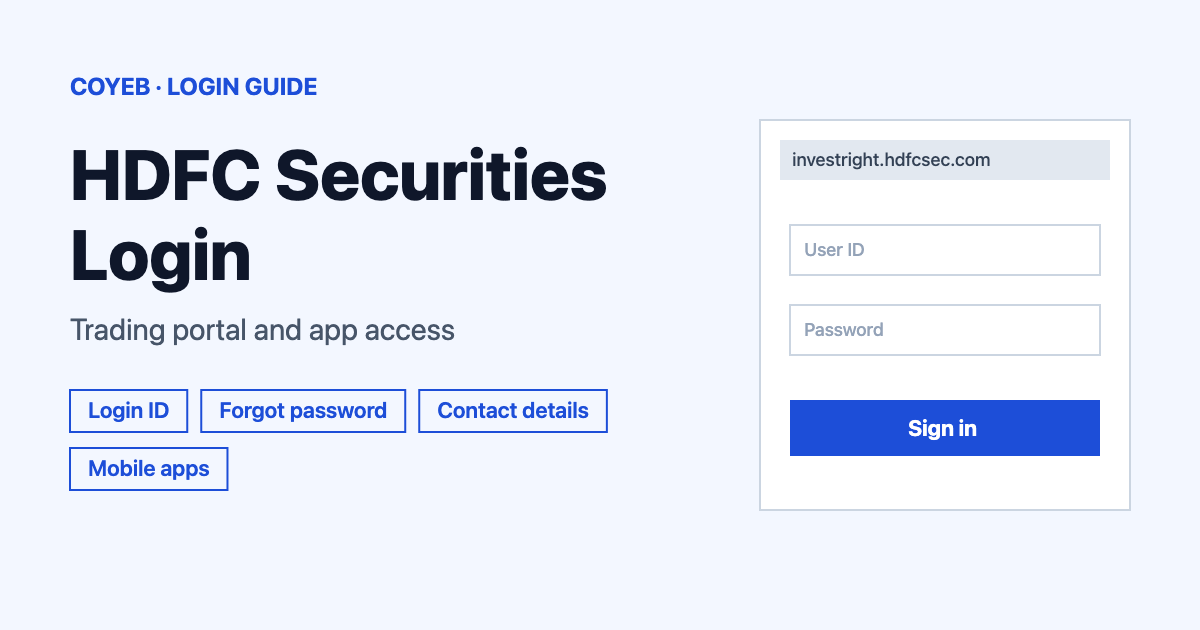
HDFC Securities login starts at investright.hdfcsec.com/login. Type your User ID / Mobile and Password, then click Login. The catch people miss: trading passwords expire every 90 days and cannot contain special characters, so a rejected password often needs a reset with Forgot Password? before anything else.
Last verified: 17 November 2026
Official login page: investright.hdfcsec.com/login (checked November 2026)
coyeb.com is not affiliated with HDFC Securities. Never share your password or OTP with anyone.
What you will see on the HDFC Securities login page
The login box has two fields (User ID / Mobile and Password) and one button (Login). Below them are two links: Forgot Password? for a reset and Create Account for new customers.
How to do HDFC Securities login on the website
- Open investright.hdfcsec.com/login in your browser and check the address before typing anything. You can also click Login at the top right of the hdfcsec.com homepage. The older trading address, ntrade.hdfcsec.com, leads to the same page.
- Type your login ID or your registered mobile number in the User ID / Mobile box.
- Type your trading password in the Password box.
- Click Login.
HDFC Securities describes the same sign-in as a short sequence on its help page: enter your user name first and continue to the next step, then enter your password. If your screen shows only the user name box at first, follow that order. If your account asks for an OTP, type it only on the official page and never read it out to anyone.
Which HDFC Securities app do you need
HDFC Securities runs two products. HDFC SKY is its discount broking app and website at hdfcsky.com, with a flat Rs 20 brokerage per order. InvestRight is its full service advisory platform and uses the login page above. Both apps are listed on the HDFC Securities homepage.
First-time login and new accounts
New customers can open an account online. The HDFC Securities homepage has an Open Your Account form with three boxes: Full Name, Mobile Number and Email Address. Choose one account type: Demat + Trading Account, NRI Account or Corporate Account. Then click Get Started. The sign-in page also has a Create Account link.
For HDFC SKY, HDFC Securities says you sign up with a mobile number and finish digital KYC with your PAN and Aadhaar, a selfie and document uploads. There is no minimum investment amount.
After the account is open, your User ID and details arrive in a Welcome letter and an email. Use them to sign in the same way as above. If you are not sure the password in your letter still works, set a new one with the steps below.
Forgot username: find your HDFC Securities login ID
Your login ID (also called your user name or User ID) is sent in the Welcome letter and the email you get after your account is opened. If you did not get them, contact customer care to retrieve it.
You can also get it online. HDFC Securities has a page for this at hdfcsec.com/how-to-retrieve-your-login-id- that asks for your PAN and date of birth. If the details match, the login ID is emailed to your registered email address as a PDF. The email address you gave HDFC Securities must still work to receive it.
Forgot password: reset your HDFC Securities login password
Click Forgot Password? on the login page and choose Change Password using Net-banking. This route is for customers who also have an HDFC Bank Net Banking account. It is described on the online password generation page (checked November 2026) in three steps:
- Enter your trading account user name (login ID) and your HDFC Bank Customer ID. Both are mandatory.
- Authenticate yourself with your HDFC Bank Net Banking password.
- Create your new trading account password.
The new password must follow these rules:
- Use both letters and numbers.
- Do not use special characters.
- Make it between 6 and 12 characters long.
- It expires every 90 days, so you will need to set a new one then.
After the reset, log in again with the new password.
Get a new password by post
If you cannot use the Net Banking route, ask customer care for a fresh password. HDFC Securities says it arrives within 7 working days.
Change your HDFC Securities login ID
You can change your login ID only once, to an ID of your choice. HDFC Securities suggests something easy to remember, such as your net banking Customer ID.
- Go to hdfcsec.com and click Trade Now.
- Log in with your user name, password and date of birth.
- Click the Account Setting button at the top right and select Change Login ID.
- Type the new ID in the New Login ID box and click CHANGE LOGIN ID.
You get a confirmation by email and SMS.
Change your mobile number or email ID
HDFC Securities says updating your contact number and email ID is mandatory under exchange rules. Keep both current so that OTPs and the Welcome email reach you.
On the website:
- Click Login at the top right of hdfcsec.com and sign in with your Login ID, Password and DOB.
- Click the Account Setting icon at the extreme top right.
- Click Change Contact Details.
- Update your email ID and mobile number. Update your income range too and click Submit before you exit.
In the HSL Mobile App:
- Log in and tap the Menu icon at the top left.
- Tap your name or trading account number at the top of the menu.
- On the Profile screen, scroll down and open the Personal Details tab.
- Tap Edit KYC Details and fill in your details.
- Tap Update KYC.
HDFC Securities login on mobile
You can sign in from the same website in a mobile browser. HDFC Securities also lists two official apps on its homepage. HDFC Securities InvestRight is on Google Play and the App Store. HDFC SKY is the second app. Download apps only from the official store listings and never from a link sent in a message.
HDFC Securities login not working
HDFC Securities does not publish exact error messages for its login page. The first column shows what you may see and the fixes are general suggestions.
| What you see | What it may mean | Fix |
|---|---|---|
| Login or password is rejected | The User ID or password is typed wrong or the password has expired (passwords expire every 90 days) | Re-type both carefully. If it still fails use Forgot Password? and set a new password with the rules above. |
| You do not remember your User ID | The ID is in your Welcome letter or email | Search your inbox for that email. Otherwise use the login ID page with your PAN and date of birth to get the ID by email. |
| No Welcome letter or email arrived | Your contact details may be out of date | Contact customer care. HDFC Securities asks you to keep your mobile number and email ID updated with it. |
| You cannot reset the password online | The online route needs your HDFC Bank Customer ID and Net Banking password | Ask customer care for a password by post, which takes up to 7 working days. |
After you log in
The HDFC Securities homepage points to a few tools that sit behind the login: Open Charts, Analyse My Portfolio and Calculate Now. Click the one you need while you are signed in.
Stay safe with HDFC Securities login
- The official domain is hdfcsec.com. The login page sits on its subdomain investright.hdfcsec.com and HDFC SKY is on hdfcsky.com. Look at the address bar before you type your password.
- HDFC Securities says it will never ask for your password or OTP, so anyone who does is not from the company.
- HDFC Securities advises you not to act on unsolicited stock tips from social networks, SMS, WhatsApp or blogs.
- Pledge OTPs are sent by the depository to your registered mobile number or email, so keep both updated.
HDFC Securities customer care helpline
- Phone: 022-6246 5555 for Customer Care and the Centralized Dealing Desk (checked November 2026)
- Missed call number for the app: 08010945114 (checked November 2026)
- Help line: 39019400 with your local area code in front (checked November 2026)
- Hours, Customer Care: 9:00 AM to 5:00 PM Monday to Friday and 9:00 AM to 2:00 PM Saturday (checked November 2026)
- Hours, Dealing Desk: 8:30 AM to 5:30 PM Monday to Friday and 9:00 AM to 2:00 PM Saturday (checked November 2026)
- Help page: hdfcsec.com/contact-us (checked November 2026)
- HDFC SKY support: 18001212109 or skysupport@hdfcsky.com (checked November 2026)
The HDFC Securities homepage also mentions round-the-clock assistance by call, chat or branch.
Using another Indian broker? Read the Angel One login guide.