Geeta University Login: Student Portal Guide
Geeta University login at the AI-Watch address: email and password steps, student account request, temporary password reset and contact details.
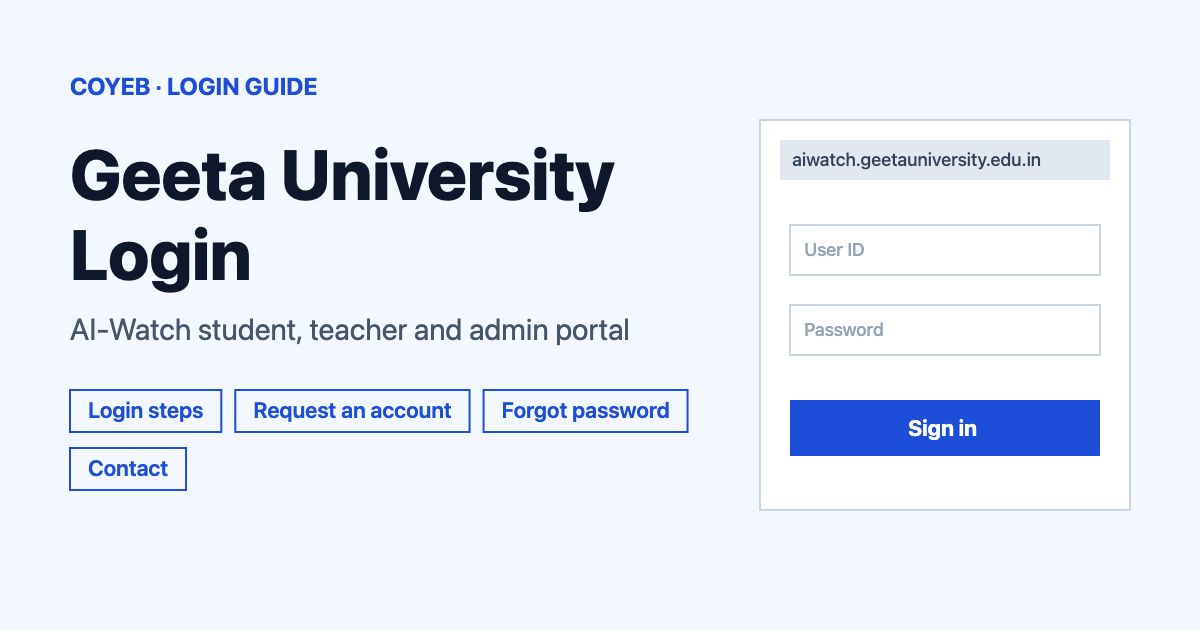
For a Geeta University login, open aiwatch.geetauniversity.edu.in/login, type your account email in Email and your password in Password, then press Log in. Students, teachers and admins use this same page. The catch: it asks for an email address, not a roll number or student ID.
Last verified: 17 November 2026
Official link: aiwatch.geetauniversity.edu.in/login
coyeb.com is not affiliated with Geeta University. Never share your password or OTP with anyone.
Geeta University login steps
The AI-Watch page says “Access your student, teacher, or admin dashboard.”
- Open aiwatch.geetauniversity.edu.in/login in your browser.
- Type your account email in the Email box.
- Type your password in the Password box.
- Press Log in and your student, teacher or admin dashboard opens.
Do not look for a roll number or student ID box. The login page only shows Email and Password. Below the form are the links Forgot your password? and Request an account.
Request a student account (first-time access)
New students do not create a password. Press Request an account below the login form (or Student Sign Up in the top menu) and complete a four-step request. Have these ready:
- Your official @geetauniversity.edu.in email address
- Your school and program (specialization is optional)
- Your roll number (required, up to 10 characters)
- Your admission year and semester (both required, semester 1 to 8)
- The teacher you want as your mentor
- Step 1, About you: enter First name, Last name and Email, then press Continue. The email must be your official @geetauniversity.edu.in address.
- Step 2, Where are you studying? choose your school, then your program, then a specialization if you have one.
- Step 3, What’s your class? Enter your roll number, admission year and semester. The admission year stays fixed for the whole program. Section and sub-group are optional. Sections for the admission year are assigned after approval.
- Step 4, Pick your mentor: choose one teacher from the list, then press Submit request.
Your chosen teacher reviews the request in a Pending Approvals panel. After approval, a temporary login password is sent to your email. Log in with your email and that temporary password.
Forgot your Geeta University login password
- On the login page, press Forgot your password?
- On the Forgot password page, enter your account email in the Email box.
- Press Send temporary password. The page says “Enter your account email and we’ll send you a new temporary password.”
- Check your inbox, then use Back to login and sign in with the temporary password.
If the mail does not arrive, look in your spam folder and make sure you typed the same email you used for your account.
Login on your phone
Open the same address in your phone browser and follow the same four login steps. The login page links to no official app, so use only the browser address above.
Geeta University login not working
The portal publishes no error messages. The fixes below are general suggestions.
| What you see | What it means | Fix |
|---|---|---|
| Password is not accepted | The password or email may be typed wrongly | Check caps lock, then use Forgot your password? to get a temporary password. |
| No email after Send temporary password | The mail may be delayed or filtered | Wait a few minutes, check spam and confirm the email address. |
| You have no account yet | New students must request access first | Use Request an account or Student Sign Up. |
| No temporary password after Submit request | Your mentor teacher must approve the request first | Wait for approval, then check your inbox and spam folder. |
| Sign-up does not accept your email | The email must be your official @geetauniversity.edu.in address | Use your university email, not a personal one. |
| Page will not load | Network or browser problem | Try mobile data, another browser or a private window. |
Other Geeta University portals
AI-Watch is not the only portal. The university website links ERP (eflow.geetauniversity.com), G-Portal (gportal.geeta.edu.in), Alumni (alumni.geetauniversity.edu.in) and the Student Grievances Portal and Student Eflow (geetauniversity.com). Admissions has its own address, admissions.geetauniversity.edu.in, so an admission login does not go through AI-Watch. Open these from the official university website and not from a search ad.
Stay safe
- For AI-Watch, check that the address is aiwatch.geetauniversity.edu.in before typing your password.
- Sign-up accepts only an official @geetauniversity.edu.in email.
- Log out when you finish on a shared computer.
- Never share your password or OTP with anyone.
Contact Geeta University
- Phone: 092787 68000 (checked November 2026)
- WhatsApp: +91 99963 03799 (checked November 2026)
- Email: info@geetauniversity.edu.in (checked November 2026)
- Address: NH-71, Naultha, Panipat, Haryana 132145
- Hours: not listed on the contact page (checked November 2026)
- Help page: Contact Us
Looking for another university sign-in in India? See the Brainware University login guide.